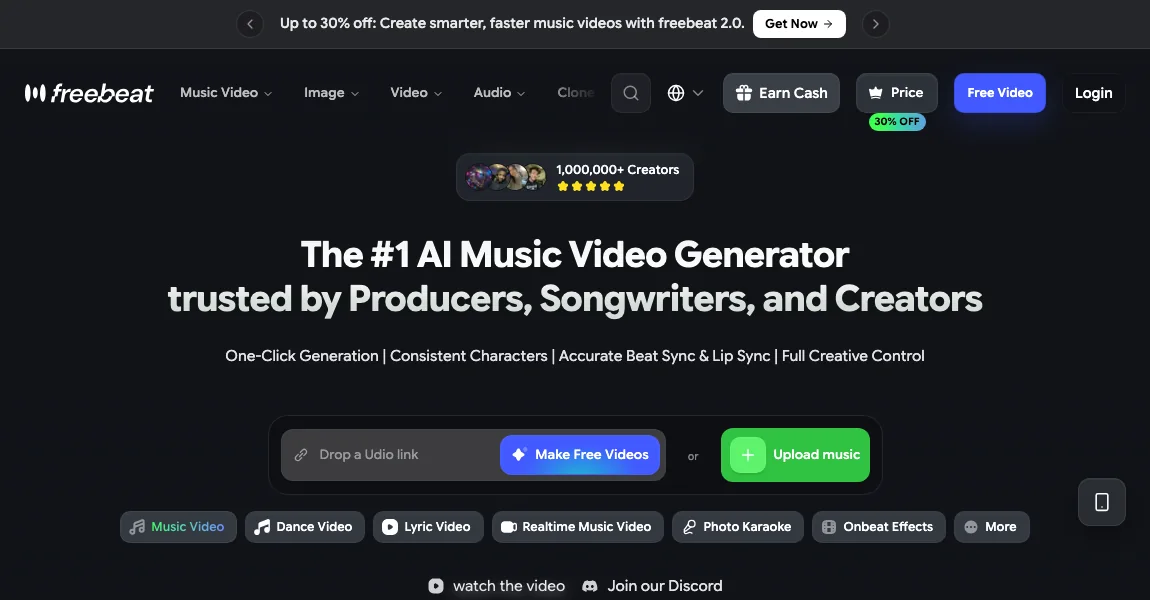
Freebeat offers music-video, dance-video, and lyric-video workflows using an audio file or supported music link. Choose the format that matches the role of the visuals in your rap project. A lyric-led clip and a character performance require different controls even when both begin with the same song.
Workflow
- Prepare the finished audio or a music link supported by the selected workflow. Keep a local audio master for editing. Decide whether viewers should focus on lyrics, a performer, dancing, or a sequence of scenes before choosing the creation mode.
- Select the workflow and check the available model, duration, and output options. Do not assume every advertised feature is included in the same mode. Read the current pricing and generation screen for the exact route you intend to use.
- Create a short section that contains your main requirement. For a lyric video, inspect readability and timing. For a dance sequence, inspect movement. For a music video, inspect scene coherence and the relationship between the visuals and the track.
- Build the full edit only after the sample fits the project. Check export quality, watermark conditions, and audio in the downloaded file. If precise two-person role assignment matters, verify those controls separately before planning the entire sequence around them.
When this workflow fits
Use Freebeat when you have a song and want to compare several music-related visual formats. The selected workflow and model determine the relevant limits, so evaluate a concrete project rather than a general feature list.
Alternatives for your project
Neural Frames is another song-led candidate. For a portrait performing an exact verse, compare Hedra. For a dedicated duo format, compare RapVideo.ai. These alternatives are organized by input and output rather than a universal ranking.
Inputs, output and limitations
Freebeat
Input: An audio file or supported music link, with visual direction.
Output: Music videos, dance videos, and lyric videos.
Main limitation: Features and limits vary by workflow and model. Check current checkout prices, export allowances, and multi-performer controls before generating.
Multiple people: Check the selected workflow’s performer controls
Visit Freebeat ↗ · Official pricing
Sources
Related guides
Updated October 26, 2026. Editorial policy