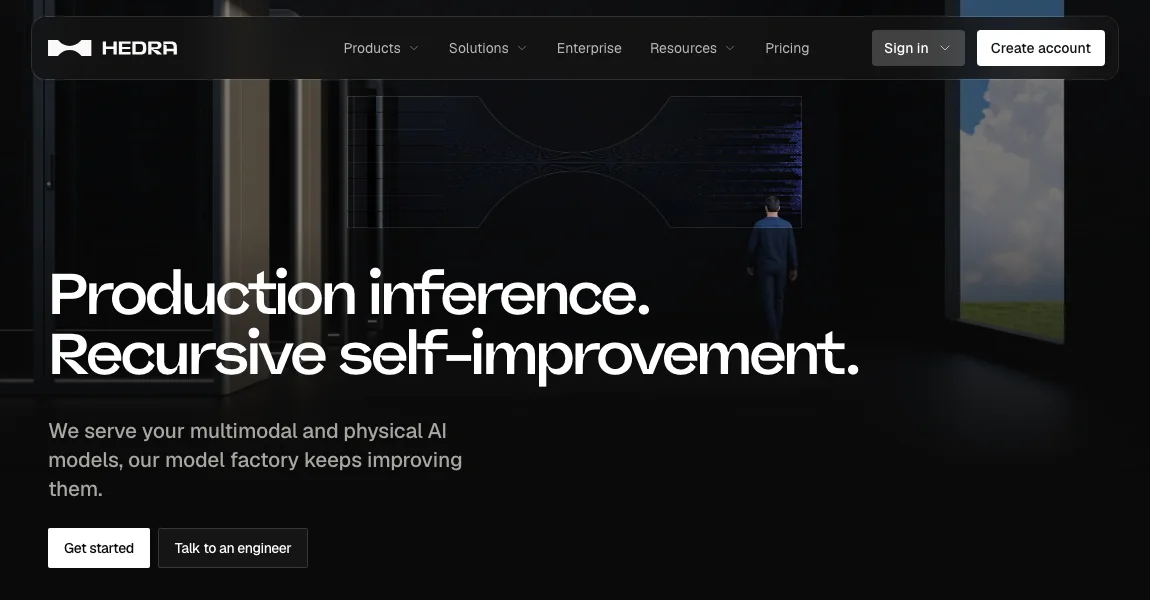
Hedra Character 3 pairs a portrait or starting image with an audio track to create an animated character video. It is a useful workflow to compare when the key shot is a person visibly performing a prepared rap excerpt, rather than a full music video with many scenes.
Workflow
- Prepare a clear source portrait and an audio excerpt with a complete opening and ending. Keep the mouth visible in the image and choose a crop appropriate to the intended shot. Save an untouched copy of both inputs before making upload-specific edits.
- Check the current Character 3 input specifications and select the image-and-audio route. Add optional text direction for the intended expression or scene without assuming a text request overrides the model's supported controls.
- Generate a short sample and watch it with sound. Inspect recognizable syllables, facial continuity, and distracting movement. Compare the export against the same audio version used for generation before deciding whether the timing needs correction.
- Place the result in your final edit with the intended soundtrack and captions. If the project needs two independently directed performers, verify the current workflow's control options or plan separate character shots rather than relying on one crowded portrait.
When this workflow fits
Start here for a solo audio-driven character shot. For a full song, use these shots as part of a larger timeline with cutaways and other visual material. Studio subscriptions and API usage are separate billing contexts, so compare the one you intend to use.
Alternatives for your project
RapVideo.ai is relevant for a dedicated two-person rap scene. Runway Act-Two is relevant when you have a recorded driving performance. Neural Frames and Freebeat address broader song-led visual production.
Inputs, output and limitations
Hedra Character 3
Input: A portrait or starting image and an audio track, with optional text direction.
Output: An audio-driven character video.
Main limitation: Check multi-performer controls before planning a duo. Studio subscriptions and API pricing are separate.
Multiple people: Check the selected workflow’s performer controls
Visit Hedra Character 3 ↗ · Official pricing
Sources
Related guides
Updated October 26, 2026. Editorial policy