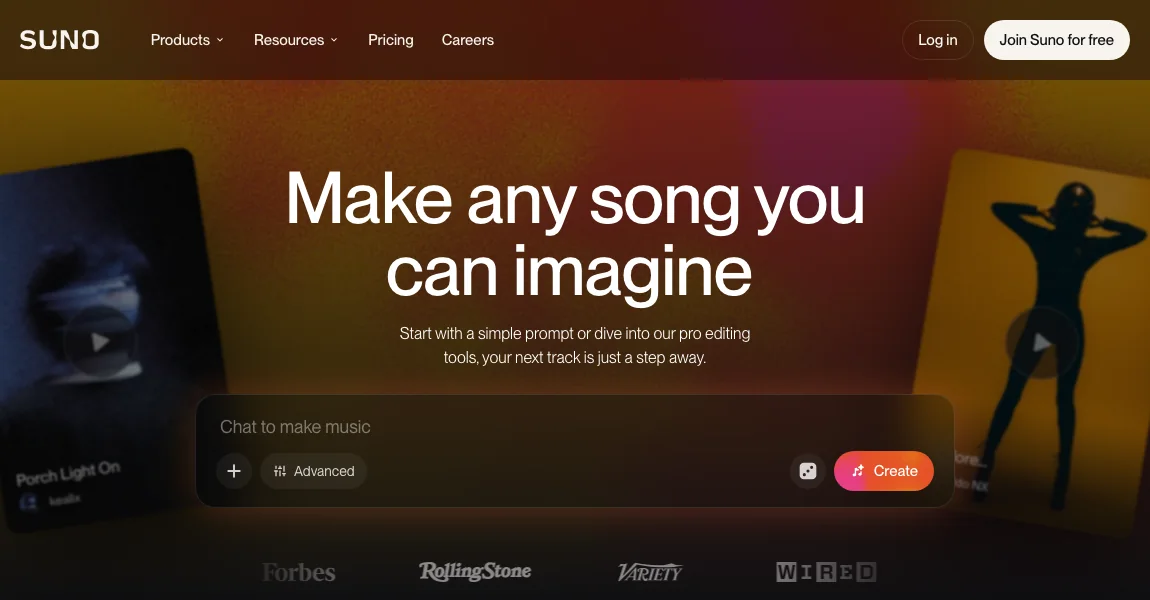
Suno covers the audio stage of this directory's workflow. It can help create a song from a description, lyrics, or supported audio input. Once the track is ready, choose a separate video route according to whether you want a portrait performance, a duo, or a full music-video sequence.
Workflow
- Decide on the song's topic, lyrical direction, and intended length before choosing a video format. Keep the song project and versions organized. If you are working from your own lyrics, preserve the exact text alongside the audio files.
- Create and select the audio version you intend to use. Listen to the entire track and identify a complete excerpt for the first video. A stable audio version makes later visual timing and caption work easier to compare and revise.
- Check the plan and applicable terms associated with the song's creation and intended use. Download availability and commercial-use permissions are separate questions. Keep the relevant account and project information with the audio rather than assuming all generated songs have identical terms.
- Send the finished audio into a suitable video workflow. Consider a portrait-and-audio route for a solo performer, a supported duo route for two people, or a song-led tool for a sequence of scenes. Keep the audio master as the reference in the final edit.
When this workflow fits
Use this stage when the song itself is missing. If you already have a finished track, move directly to selecting a video workflow. This page focuses on connecting song creation to video production rather than presenting Suno as a substitute for every character-animation tool.
Alternatives for your project
Neural Frames and Freebeat are candidates for the visual sequence after the music is ready. Hedra is relevant for an audio-driven portrait. Check the chosen service's accepted audio inputs before moving the finished song into its workflow.
Inputs, output and limitations
Suno
Input: A song description, lyrics, or supported audio input.
Output: Generated songs and audio.
Main limitation: This listing covers song creation, not performer-video generation. Download and commercial-use permissions depend on the plan and applicable terms.
Multiple people: Not applicable — audio only
Related guides
Updated October 26, 2026. Editorial policy